
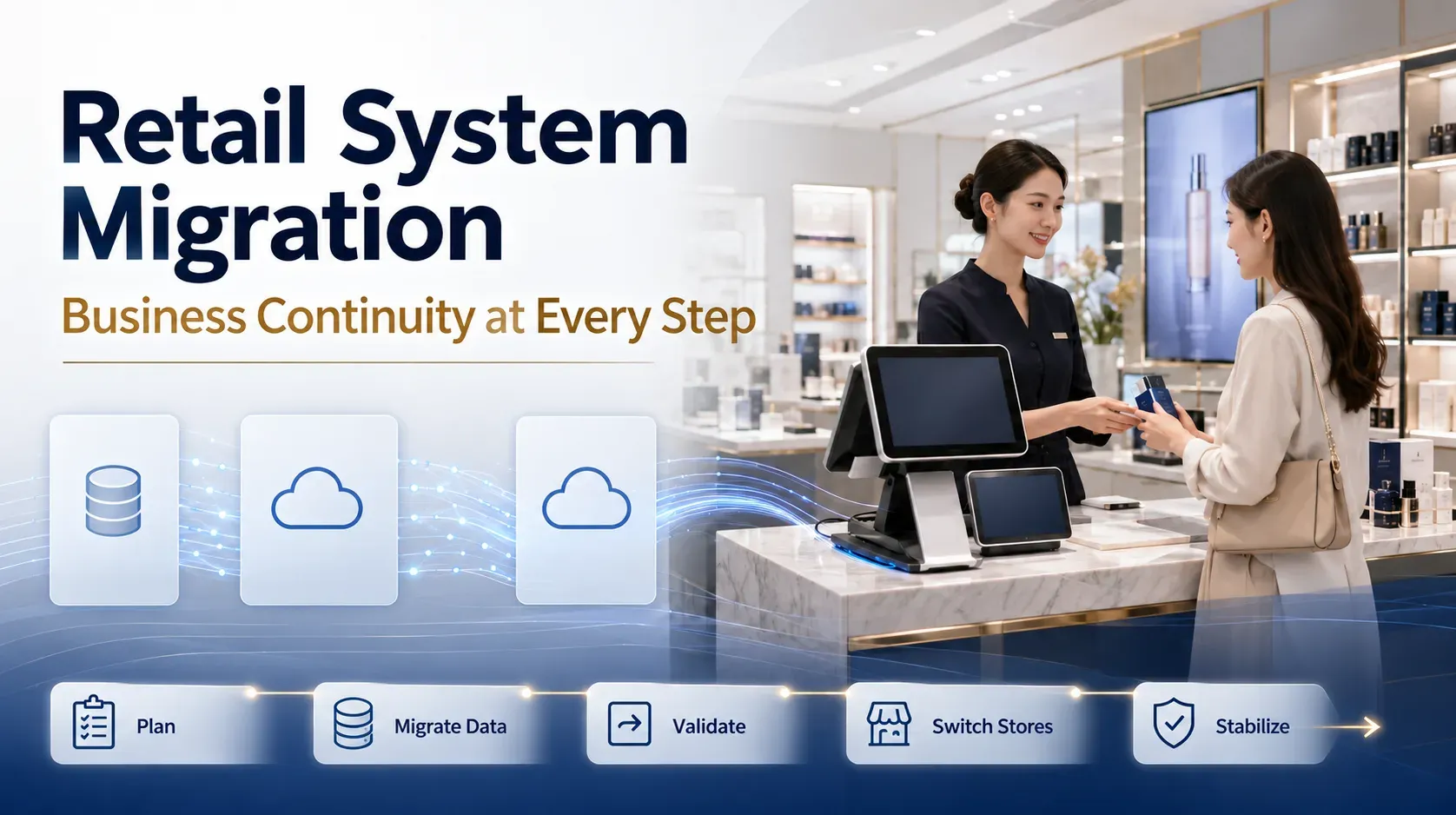
Retail System Migration: Five Steps to Protect Business Continuity
A legacy retail system may no longer support store operations, loyalty and private-domain customer engagement, omnichannel services or headquarters analysis. Yet when a brand considers replacement, the most pressing question is often whether stores can continue trading through the change.
Migration affects checkout, member recognition, benefit redemption, stock records, order synchronisation and financial reconciliation. Poorly planned cutovers can interrupt sales, make points or benefits unavailable and leave historical transactions or inventory difficult to reconcile.
The objective is therefore business continuity, not simply a new system going live. Define the essential data, priority workflows, store rollout sequence and old-to-new reconciliation before implementation. Include migration cost and transition risk in the selection decision.
1. Define what must move
Typical migration scope includes members, points, tiers, coupons, transactions, inventory, products, stores, associates, orders and reconciliation records. Not every historical record should be copied unchanged. Incomplete fields or inconsistent definitions can create problems in the new platform.
Separate the data into three groups:
- Needed for ongoing operations: member identity, current benefits, sellable products, prices, stock and open orders.
- Needed for reference: historical transactions, reconciliations and service records.
- Needed for archive only: rarely used or inconsistent legacy records that should be retained without becoming active operational data.
Prioritise definitions for data that affects trading. A supplier can help map structures and business rules, but the brand must confirm the scope against its management requirements. Success is measured by continuity of core operations, not the volume of data moved.
2. Prepare POS workflows before store cutover
POS is the store's entry point for transactions and member service. Confirm products, prices, payment methods, identity matching, coupon redemption and return rules before switching.
Staff should first learn the tasks they use most frequently: checkout, member lookup, redemption and returns. They do not need to master every back-office feature before the first day.
For a multi-store brand, pilot representative locations and then expand in waves by region, format or complexity. Pilot validation, phased rollout and launch support reduce disruption; they should not be presented as a promise of zero risk or uninterrupted trading under every condition.
3. Reconcile identities, points and benefits
CRM migration involves more than names, phone numbers, WeChat OpenIDs and tiers. Points balances, entitlement rules, coupon status and purchase history directly affect the customer experience.
Unclear identity rules can create duplicates. Inconsistent benefit mappings can make issued coupons unusable or display the wrong tier. Before migration, agree the unique identity model, points balance definitions, tier calculations, issued-benefit status and the treatment of historical purchases.
Where platform, mini-program and store records are involved, confirm account binding against available permissions, interfaces and project configuration. The outcome should be that customers remain recognisable and can continue using their benefits after launch.
4. Plan handover and exception handling on both sides of launch
Before cutover, reconcile products, members, stock, prices, points, coupons, orders and financial records. Test complete workflows in pilot stores to identify unusable coupons, identity mismatches, stock-definition differences and payment or refund issues.
After cutover, retain an observation period. Monitor transactions, benefit availability, stock movements and finance handover. Define who handles a failed member lookup, rejected coupon or incorrect price, how the issue is recorded and how resolution is communicated.
Phased cutover, reconciliation and exception procedures provide a practical basis for continuity. Avoid describing the migration as invisible to users when operational change and support are still required.
5. Rehearse complex migrations
For large networks with long-established systems and several business divisions, replacement involves historical data, operating processes and store routines together.
A published PEKON case describes a leading luxury brand whose previous POS had been used for more than twenty years. Its China network included over 300 stores across couture, fragrance and beauty, and jewellery. The volume and complexity of historical records made continuity a central concern.
PEKON and the brand developed a data migration plan, a parallel-operation strategy and a cutover schedule, then tested the approach through multiple rehearsals. The lesson is that preparation, reconciliation, store sequencing and post-launch exception handling matter as much as the launch itself. Each brand's strategy still needs to reflect its own systems and complexity.
Make migration part of the business plan
A retail migration is a coordinated change in transactions, member service, benefit redemption, inventory and reconciliation. Evaluate a provider's understanding of these workflows alongside the functionality of the replacement platform.
PEKON's delivery experience includes data classification, phased rollout planning and on-site support after launch. Preparing data, processes, stores and headquarters together makes a system upgrade more practical to execute.
Related reading
- Beauty Retail System Selection Guide
- A leading luxury brand and PEKON: managing more than 300 stores across couture, fragrance, beauty and jewellery
- PEKON Smart Retail System
- PEKON Omnichannel CRM & Loyalty Platform
- PEKON WeChat Mini-Program Suite
- Retail management for beauty brands