
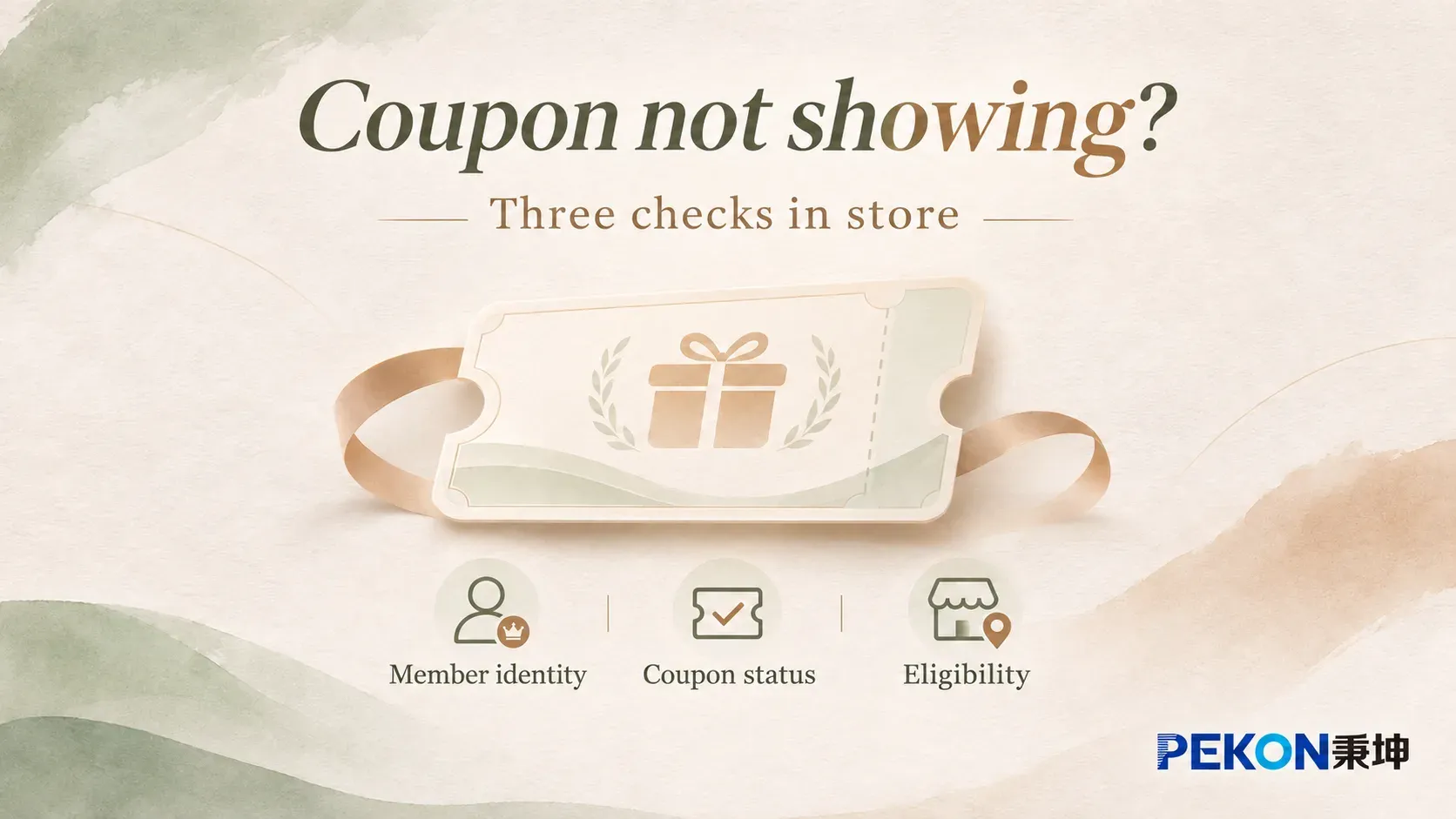
When a customer asks about a coupon in store, they may be looking at the coupon wallet on their phone or asking an associate to find discounts for the current purchase. Those views may show different things. Before investigating a coupon that is not showing, establish which screen is involved, then check member identity, coupon status, and eligibility for the store and order. Holding a coupon and being able to use it on this purchase are separate questions.
For beauty brands, these three checks help store teams apply existing loyalty policies consistently. The CRM provides member and benefit records; the POS applies the relevant rules to the transaction. Together, they give associates a basis for explaining the offer and referring any unresolved question to the right operations or support team.
1. Member identity: are both channels using the same profile?
Start by establishing which member account is being queried. The account signed in on the customer’s phone and the profile identified at the POS should correspond under the brand’s identity rules. Whether the lookup uses a phone number, membership code, or another approved method, the purpose is to locate the correct record.
This checks the account match, rather than questioning whether the customer is a member. Enrollment alone does not establish that the mobile channel and store are currently viewing the same profile. Cross-channel matching also depends on the membership model and the channels connected to it. Associates should use the brand’s approved identification process to confirm whether this is the account that received the coupon.
Once the account is confirmed, check its coupon records. Phone-number changes and historical account links should follow the established identity-verification and account-management process. Registering a new account or merging profiles can affect existing benefits; neither should be used simply to make a coupon appear.
PEKON CRM connects channels such as store POS, WeChat, and e-commerce through interfaces and uses OneID to consolidate member data. This provides a foundation for recognizing a member across connected touchpoints. Each brand’s deployment still determines which channels are connected and which identifiers store teams can use.
A matching identity is the starting point. Membership tier and campaign eligibility are separate business conditions. Even with the right account, eligibility should be assessed against the rules for the specific coupon, rather than inferred from a tier label alone.
2. Coupon status: was it issued, and what is its current state?
Next, confirm whether the account has a claim or issuance record for the coupon and establish its current status. An invitation to claim an offer, a campaign announcement, and a notification confirming receipt can mean different things. Campaign communications explain participation; the account record establishes whether the customer holds the coupon.
Holding a coupon is different from being able to use it now. An issued coupon may not yet be valid, may already have been redeemed, or may have expired. Status labels vary by system, but each should have a clear business meaning. An associate can explain the start time or redemption record instead of describing every coupon absent from the available list as missing.
The scope of the screen matters too. A member’s coupon wallet, historical records, and checkout’s available-coupon list may use different filters. A list limited to coupons eligible for the current order cannot, by itself, show whether the account ever received a particular coupon. Store guidance should distinguish where to check ownership from where to check eligibility for a purchase.
Check the coupon’s precise validity period, rather than relying on the campaign name or promotional dates. Claim and redemption periods may differ, and coupons issued during one ongoing campaign need not share the same expiry time. Explanations should refer to the specific coupon and its applicable terms.
If a notification cannot yet be matched to the account record, confirm the issuance outcome and when the record was updated before concluding that the claim failed or the system is faulty. For a loyalty-operations review, retain the campaign name, coupon record or notification, and lookup time so the team can trace the same event. Reissuing or extending a coupon remains subject to brand policy and authorization.
This check should produce a clear status: issued and within its validity period, not yet active, already redeemed, or still awaiting confirmation of issuance. That establishes the basis for assessing the current store transaction.
3. Eligibility: does the coupon apply to this store and order?
After confirming the account and status, check the permitted usage scope. Where a coupon is claimed and where it can be redeemed are separate campaign settings. An online coupon may support store redemption or be limited to designated channels, depending on brand policy. A shared member identity does not automatically make every coupon valid across channels.
Check both whether offline redemption is allowed and whether the current store participates. Then assess the order against eligible products, spending thresholds, and rules for combining offers. A valid coupon that does not apply to this order remains a benefit held by the customer; the decision concerns its conditions of use.
Also distinguish a coupon that is not displayed from one confirmed to be ineligible. The display provides a clue, but the reason should be supported by the coupon terms and the transaction’s eligibility result. If the screen provides no reason, associates should use the brand’s designated lookup process instead of inferring a failed condition from an empty list.
PEKON Smart Retail System supports identifying promotions using member and purchased-product information, then applying priority, exclusion, and limit rules. Coordination between CRM and POS connects benefit records with transaction conditions. Within the brand’s coupon-management approach, the implementation can define where status is queried, how stores receive eligibility results, and which information supports a customer-facing explanation.
If identity, status, and usage conditions have all been confirmed as applicable but the mobile and store views still differ, review data updates, lookup permissions, or interface responses. Providing the relevant member identifier, coupon record, store, and lookup time helps support teams locate the same query. A report that only says “the customer cannot see the coupon” does not establish which stage needs investigation.
For loyalty and retail operations leaders, the practical requirement is clear: accessible member and coupon records, consistent explanations of eligibility rules, and an owner for unresolved questions. Incorporating these arrangements into the existing store-service process enables associates to answer from actual records and helps customers understand how to use their benefits.