
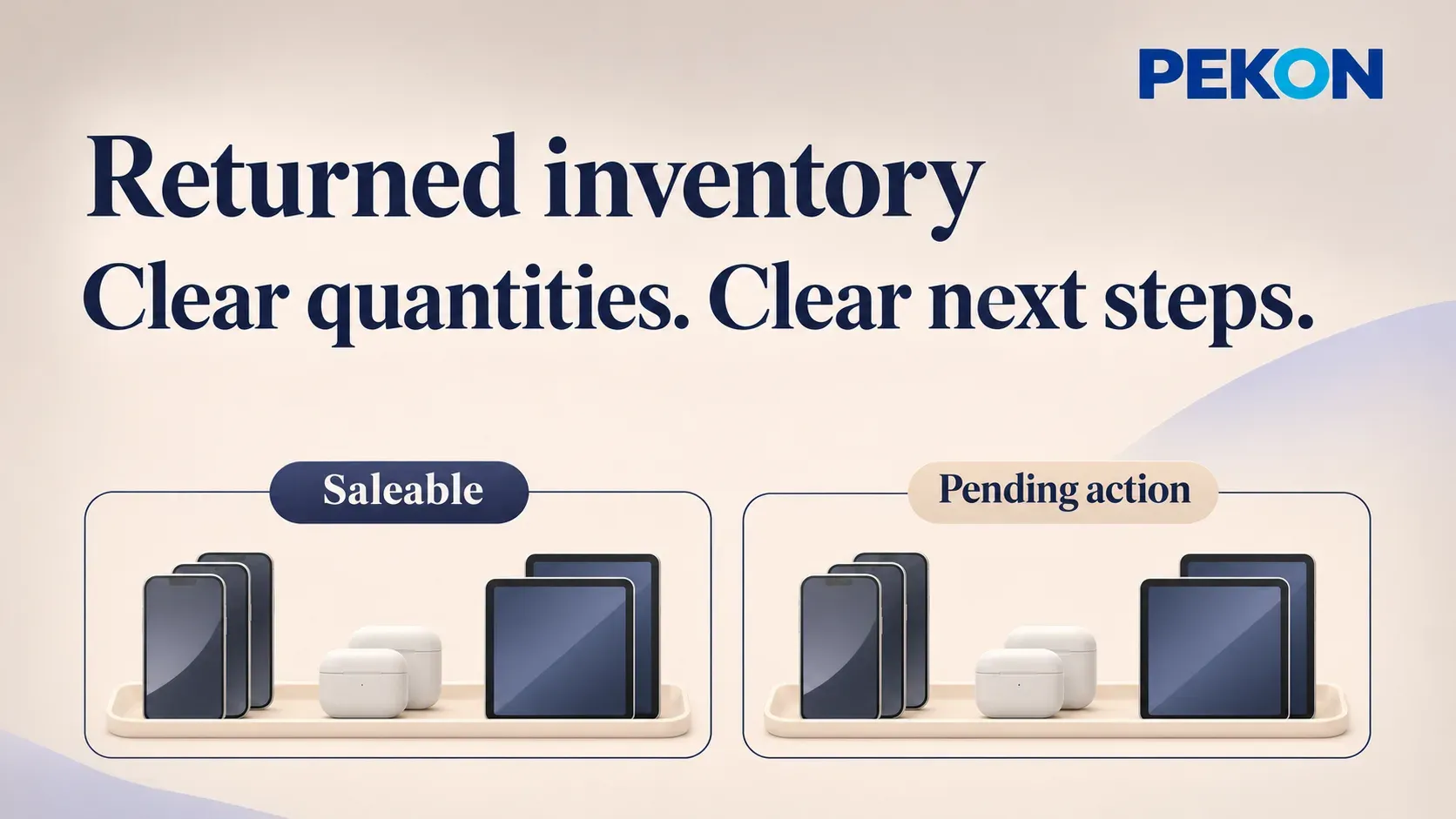
When a batch of consumer electronics is booked back into inventory after a return, the stock total rises. The quantity available for sale may be different. Some units await inspection or repair; others have been inspected and are waiting for a decision on what happens next.
Merchandising and retail leaders need two views: how many units can currently be sold, and who is handling the remaining units, with what next step. Stores can then plan sales from a reliable available quantity, while the teams responsible keep returned stock moving through its agreed process.
Returned inventory management brings sales availability and the handling of outstanding units into the same operational view.
Saleable quantity reflects the stock available for selling
Saleable status answers whether a product can currently be sold. Inspection, repair and pending-decision statuses describe its processing stage. A unit awaiting inspection is also currently non-saleable, so these two kinds of information work together.
Consider an illustrative batch of 12 devices that have completed the return-to-stock process:
| Current position | Units | Sales availability |
|---|---|---|
| Confirmed as meeting the applicable sales conditions | 2 | Available within the approved category and scope |
| Awaiting inspection | 4 | Excluded from current saleable quantity |
| Inspection complete; disposition pending | 3 | Excluded from current saleable quantity |
| Awaiting repair | 3 | Excluded from current saleable quantity |
The batch contains 12 units: two saleable and ten requiring further handling. Inspection, decision and repair are processing categories within those ten units. Counting them again alongside the non-saleable total would double-count the same stock.
Stores use the quantity that meets the relevant sales conditions when planning a sale. Brand teams also need the total on hand and the non-saleable portion, so that goods still being processed are kept distinct from available supply.
Outstanding inventory needs a reason, an owner and a next step
A non-saleable label explains availability, but further detail is needed to organize the work. Inspection and repair involve different responsible teams. Goods with an inspection result but no confirmed destination still require a disposition decision.
In the example, the four units awaiting inspection call for a check on inspection arrangements. The three with results need a decision from the responsible role. The three awaiting repair require follow-up on repair arrangements and outcomes. Similar quantities can therefore represent quite different tasks.
Each group should be traceable to the individual products, their physical location, the responsible role and the next action. This gives stores a clear handover, merchandising teams a basis for reconciliation, and after-sales teams a precise understanding of which results are needed.
During regular reviews, brands can focus on goods with no recent progress. The outstanding step might be physical handover, an inspection result or confirmation after a result is available. Identifying that step makes it easier to contact the right team and continue processing.
Processing results update quantities and destinations
Inventory records follow actual processing. Goods approved for sale enter the relevant saleable category. Items sent for repair or returned to a designated location have handover records. Goods awaiting a decision retain their outstanding actions.
Suppose the four devices awaiting inspection are checked, two are approved for sale and two move to repair. The brand should be able to reconcile the increase in saleable quantity, the units still awaiting repair or a decision, and each item's physical location.
These updates depend on valid outcomes and actual business events. Inspection completion, disposition approval and physical movement are separate events, each with its own record.
A stock review can track which goods became saleable during the period, which completed an outbound movement or another disposition, and which still require follow-up. Matching the opening and closing records shows how the batch is progressing.
PEKON connects inventory records with after-sales information
The PEKON retail solution for consumer electronics brands supports unique device identifiers, store receiving, returns, transfers and stock counts. Repair and extended-warranty order entry connects with the brand's specialist after-sales system, providing a basis for matching stock with handling records.
For returned products, this connects inventory and after-sales information for store enquiries, handovers and brand-level reconciliation. Inventory categories, saleability conditions, returned processing results and status updates are defined through the brand's processes and project configuration.
The operational outcome is clear quantities and arrangements: stores know which stock is available for sale, responsible teams know which goods need further work, and merchandising teams can reconcile the composition and destination of returned inventory.
Discuss returned inventory management with PEKON to explore stock classification, sales availability and the connection with after-sales information.