
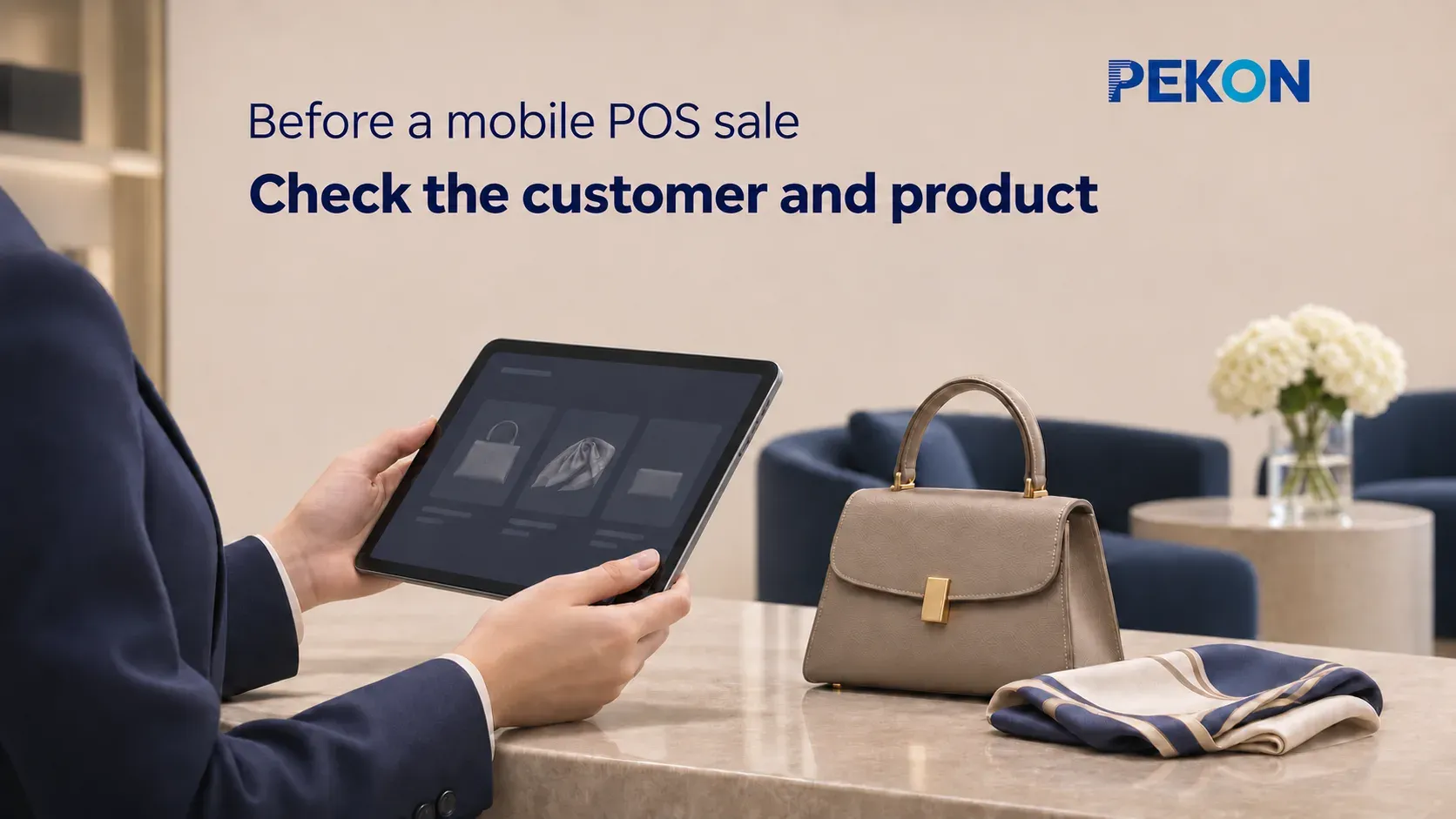
In luxury retail, a sales conversation can move from the product display to a fitting area or a private seating space. Once the customer has chosen an item, mobile POS lets the associate look up information and prepare the order as a continuation of that service. Before creating it, the team needs to establish who the transaction relates to, which item is being sold, and the agreed price and delivery arrangements.
These details shape how mobile POS works in the store. In a published PEKON project for a premium brand (Chinese), mobile-device POS supports checkout alongside the customer and associate-assisted ordering, together with multi-category product and inventory management. Brands planning mobile ordering can bring customer identification, product checks, and staff permissions into a shared store process, so associates have the information they need and know who handles the next step.
Customer information: connect the transaction to the current service
The first step is to identify the customer associated with the purchase. For an enrolled member, associates can locate the profile through the brand’s approved identification method and confirm which account the order belongs to. Linking a membership account should reflect the customer’s wishes and the brand’s transaction rules. Members and non-members follow their respective purchasing processes.
The information used during order creation should serve the current interaction. Membership tier and applicable benefits help establish transaction conditions. Confirmed preferences and service records provide continuity, while an appointment or reservation record helps the associate find existing arrangements. The mobile view can present this relevant information for discussion with the customer.
Past preferences are a service reference. The final order should reflect the product, specification, and delivery method the customer confirms for this purchase. Where an item was previously reserved, the associate can use the corresponding record to connect that arrangement with the current selection.
Customer identity, the service relationship, and delivery details have distinct roles. The associate serving the customer, the member account linked to the order, and the person receiving the goods need not be the same. For delivery, existing address details can be a starting point, with the recipient, contact information, and address confirmed for this order. For a purchase collected in store, record the information needed to create the order and hand over the goods.
PEKON’s luxury retail solution can connect with an existing brand CRM to support access to purchase history, preferences, and service records at the POS. For mobile use, the brand defines what store teams and associates can view or update. Cross-store account links can support service continuity, while access remains aligned with each role and the brand’s data-management requirements.
Product information: confirm the item, availability, and delivery
Product checks connect the physical item selected by the customer with the system record. Style code, color, size, and other relevant specifications identify the product being sold; quantity and price form the order lines. The selection agreed during the fitting or product discussion should carry accurately into the mobile order.
Names and images help people find a product, while product codes and specifications identify it precisely. Where individual items have unique identifiers, the established process should link the specific unit so dispatch and handover correspond to the actual item. The mobile layout can place recognizable names and images alongside the codes and specifications associates need to verify.
Next, establish whether the selected item is available for sale. Inventory records provide quantities, store locations, and relevant statuses. For an available item in the current store, the associate can confirm it against the physical goods. If there is an existing reservation, check how it relates to this purchase. This connects the inventory lookup with the particular item the customer has selected.
When an item needs to come from another store, the associate coordinates with that location to confirm the style, specification, quantity, and whether it can be transferred. The supplying store considers its existing reservations and transfer arrangements before confirming. Inventory information supports the discussion; confirmation between stores establishes the supply arrangement for this purchase.
Confirm transfer arrangements before creating the order. The associate needs the supplying store’s response, the transfer’s progress, and an expected arrival time to agree delivery with the customer. Internal coordination concerns the source and movement of the goods. Customer-facing communication should explain the selected item’s preparation and the delivery arrangements both parties have agreed. Continued follow-up by the serving associate connects the original selection with the subsequent service.
These checks also guide what the mobile POS needs to display. Specifications, prices, and saleable status support the purchase decision; confirmed transfer progress and delivery arrangements support follow-up. The division of responsibilities between systems determines which details are available directly on the mobile device and which come from the existing inventory system.
Once the checks are complete, the associate should be able to explain the selected style and specification, how far the supply arrangements have progressed, and how delivery will take place. Linking those decisions to the purchase prepares the order for the remaining pricing, benefits, and operational checks.
Sales operations: apply the price and follow role-based permissions
With the customer and product confirmed, review the order price, applicable benefits, and final amount payable. Member identity helps the system match relevant rules, while the actual price also depends on the product, store, and campaign scope. The amount explained to the customer should match the price and benefits applied to the order.
PEKON Smart Retail System supports fixed and mobile checkout and matches promotions using member and purchased-product information, with priority, exclusion, and limit rules. These capabilities help stores apply brand pricing policies. Manual discounts, price adjustments, and approval requirements remain subject to the brand’s authorization arrangements.
Viewing information, creating an order, and changing transaction conditions are separate permissions. Brands can distinguish access to product and member information from authority to adjust prices, inventory, or benefits. Associates enter orders and carry out sales operations within their permissions. Where another role must confirm a decision, that person takes the next step while retaining the connection to the order.
The division between mobile order preparation and payment should also be clear. Whether an associate takes payment on the device or passes the order to a cashier depends on device capability, the payment solution, and the store process. The customer’s confirmed products, prices, and delivery arrangements should travel with the order, allowing the receiving colleague to continue the same transaction. An order being saved, payment being collected, and goods being handed over represent different stages; the next service step follows the actual result.
When assessing a luxury retail system, brands can follow a normal sale to see how information and permissions connect: customer records support the current service, product data explains availability and delivery, and sales operations reflect staff responsibilities. This makes the value of mobile POS concrete. Associates can complete the necessary checks beside the customer, while colleagues continue working from the same order.