
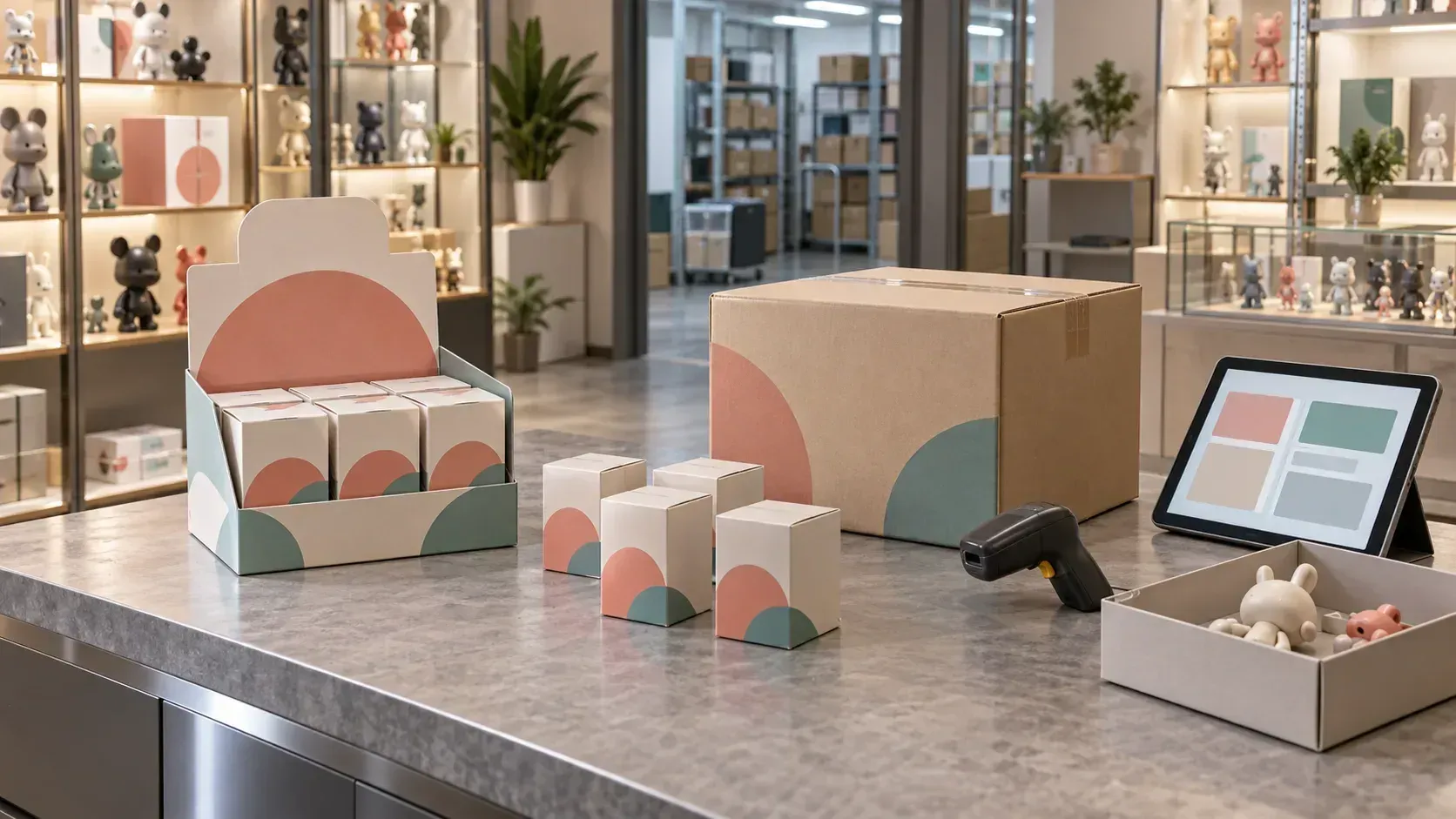
Inventory errors during a collectible-toy system replacement often begin with unclear units. Importing legacy codes and quantities for cartons, boxes, PDQ display packs and individual units unchanged can create duplicate stock, failed deductions after unpacking or inconsistent counting units on day one.
Establish product identity and conversions first, then opening balances based on physical stock. The required outcome is a set of rules supporting box sales, individual sales, returns, transfers and counts—not simply a successfully imported product table.
Why the old product table cannot simply be copied
Collectible products combine IP, series, character, design, release batch, rarity, packaging and sales units. One system may treat PDQ as a product and a box as a unit; another may use one code for both box and individual sales. Identical field names do not imply identical business meaning.
Copying the table preserves three common problems: multiple codes for the same physical item, packaging levels hidden in names, and purchasing, warehouse and sales units without explicit conversion ratios. Define the smallest stock unit, saleable units and packaging hierarchy before mapping codes.
Choose representative current products and establish what the customer buys, what stock is deducted, what the store counts and what a return brings back. Confirm identity, units and conversions for all four actions before bulk migration.
Define relationships between PDQ packs, full boxes and units
Definitions vary by brand. Use the actual packaging and approved operating rules. Record codes, barcodes, contained quantities, independent saleability, whether unpacking is allowed and the stock created by unpacking.
| Object | Confirm before launch | Typical error |
|---|---|---|
| PDQ or outer packaging | Independent stock treatment, contained boxes or units, saleability | Packaging and contents both counted as available |
| Unopened box | Code, barcode, contained units and box price | A box sale deducts only one unit |
| Individual unit or pack | Base unit, price and box conversion ratio | Unpacking adds units without reducing packaged stock |
| Loose stock | Origin, state, saleability and series | Unidentified items assigned to another SKU |
If packaging and individual balances are recorded separately, unpacking must reduce packaged stock and increase the correct number of units. If everything is counted in the smallest unit, retain opened versus unopened status and avoid counting packaging and contents twice. Reassembling units into full boxes is a brand decision based on packaging integrity, value and sales rules; do not assume reverse conversion is permitted. Apply the same logic to bundles, card packs and other formats.
For multiple barcodes per item or shared barcodes across items, identify the primary, recognised legacy and retired codes. Keep discontinued products in a restricted state when stock or return obligations remain.
Count opened boxes, unopened boxes and loose units separately
Opening stock reflects physical conditions at cutover. Separate sealed boxes, partially opened boxes, fully loose units, damaged items, display goods and customer reservations. A count of “boxes” does not establish how many saleable units remain.
Count records need product code, packaging or sales unit, opening state, quantity, stock status and location. Count opened products by remaining units. Count sealed boxes as boxes with the agreed conversion to contents. Choose one opening representation: never add both a full box and its contained units to available stock. Where legacy unpacking records are absent, use the physical count; do not invent historical unpacking events.
Document discrepancies and their causes and resolution. Unidentified loose items should remain pending identification or quarantined, rather than being assigned to a visually similar SKU.
Establish balances by operating location
Stock may be in central or regional warehouses, stores, pop-ups, exhibitions and unattended devices. Create the required organisations or stock locations and assign owners. Brand-wide totals can conceal incorrect store allocation, unrecorded device replenishment and duplicated in-transit transfers.
Set a freeze point. Complete receipts, transfers and adjustments beforehand; enter later sales, returns, replenishment and device transactions in the approved sequence or replay them through interfaces. Dispatched but unreceived transfers must either complete in the old system before extraction or transfer as in-transit records, without double counting.
Reconcile three dimensions: product totals, location quantities and quantities by unopened, opened, loose, damaged and reserved status. For unattended devices, align the last replenishment, sales transmission and physical balance to the same reference time.
Validate through sales, returns, transfers and counts
Use the brand’s own data to test normal operations and exceptions:
- Unopened boxes sell as boxes with the correct deduction.
- Unpacking reduces original packaging stock and increases units at the correct ratio, without duplication.
- Individual, box and promotional-combination sales follow their respective deduction rules.
- Returned unopened boxes, units and damaged packaging enter the correct stock state.
- Warehouse transfers to stores, pop-ups and unattended devices reconcile dispatch, transit and receipt.
- Counts distinguish unopened boxes, opened units, loose items and abnormal stock, producing explainable discrepancies.
Acceptance is not merely equality with the legacy total. Each physical item must be counted once, conversions must balance, locations must match reality and subsequent transactions must maintain the same rules.
Make inventory acceptance part of the overall migration
The PEKON Smart Retail System covers products, store POS, orders, stock, transfers and counts. Use the collectible-toy retail solution with the brand’s PDQ, box, individual-unit and unattended-device scenarios to validate modelling and stock treatment. Classify requirements as standard functionality, configuration, integration, custom development or unsupported.
Inventory is connected to other data. Reservations and returns affect availability; member-only and limited-release events affect purchase eligibility. Use the companion open-order and loyalty-migration guidance, then include stock scripts, discrepancy reports and volume-rehearsal results in supplier scoring.
The PDQ and individual-unit inventory section of the collectible-toy migration checklist provides a starting point. Add physical-count results, owners and acceptance evidence. Contact PEKON to clarify packaging relationships, device stock and cutover definitions.
Frequently asked questions
Do PDQ packs, boxes and units need separate codes?
It depends on whether they are purchased, sold, priced and counted independently. Independent business identities need explicit records and packaging relationships. Outer packaging that is not counted as stock may be an attribute. Validate the model through actual selling and unpacking.
How should partially opened boxes become opening stock?
Use the remaining physical units without retaining another complete-box balance. Keep unopened boxes as boxes with the agreed contents relationship. Count the two states separately.
Can loose items without barcodes join a similar SKU?
Only after confirming the exact SKU and sales identity. Unidentified stock must remain pending or quarantined; appearance alone is insufficient.
How should unattended-device stock reconcile?
Align the final replenishment, sales update and physical count, then check products and quantities by device. Specify how delayed transactions after the freeze will be recorded.
What proves that migration has passed?
No physical item is counted twice; unpacking ratios are correct; location balances match physical counts; and box sales, unit sales, returns, transfers and counts pass. Close critical differences before accepting opening balances.