
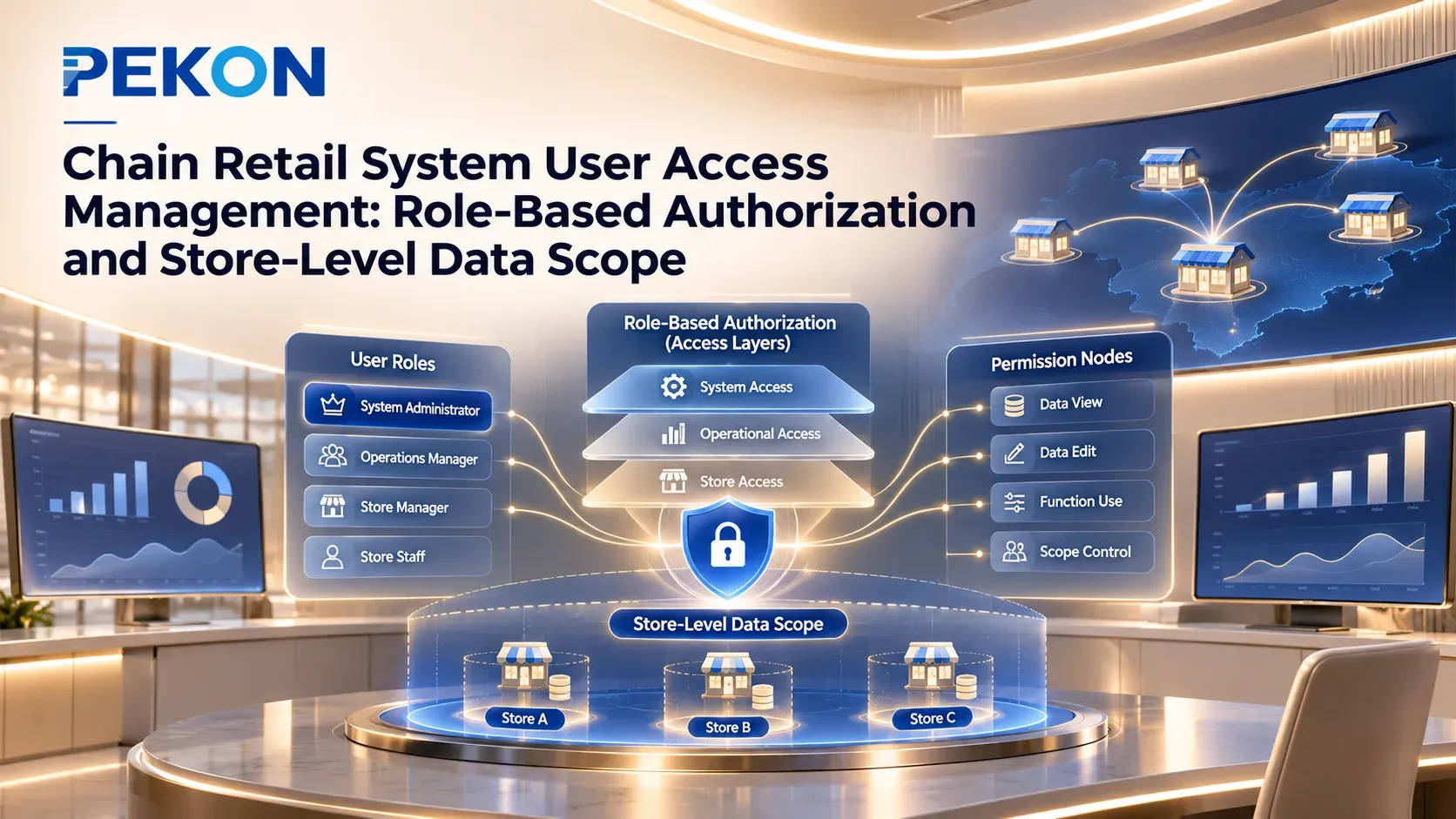
Chain Retail System User Access Management: Role-Based Authorization and Store-Level Data Scope
When a chain brand opens multiple stores, new store employees need user accounts, regional managers need access to additional stores under their responsibility, and temporary support staff may also require specific permissions. Reusing existing role definitions and then assigning applicable stores to each account can reduce repetitive configuration.
Permission management should be based on job responsibilities: which functions a user can access, which store data the user can view, and which business operations require confirmation by designated personnel.
Configure Roles and Functional Permissions by Position
A brand can configure commonly used permissions for store associates, store managers and regional managers as roles, and then assign those roles to the corresponding user accounts. The following is an example of role-based authorization. Specific responsibilities should be defined by the brand.
| Role | Example functional permissions | Example data scope |
|---|---|---|
| Store associate | Process sales, query information required for customer service, and initiate returns or exchanges when authorized | Relevant business data from the store where the employee works |
| Store manager | Review store operations and pending business tasks, and complete authorized confirmations or approvals | Relevant details and summaries for the stores under responsibility |
| Regional manager | Review regional operations and query authorized business records | Relevant data from stores within the assigned region |
Original-order inquiries, return initiation and refund confirmation can be authorized separately according to the brand’s responsibilities. The actual configuration depends on the supported scope of the relevant modules.
Configure Data Scope by Responsible Store
Employees in similar positions can reuse the corresponding role, while applicable stores are configured separately for each account. When an employee transfers to another store, the store scope should be updated. When responsibilities change, the assigned roles should also be reviewed.
For example, when a brand opens several new stores in the same region, it can reuse an existing store manager role for the new managers, assign each account to the store where the employee works, and update the regional manager’s management scope. Before opening, the brand should use actual user accounts to verify both functional and data permissions, with particular attention to missing or excessive authorization.
Data required for cross-store services should be configured according to the specific business arrangement. If a receiving store needs to verify the original order, the relevant inquiry scope can be opened. Operations such as refunds should still be handled by authorized roles.
Maintain Permissions for Staff Changes and Temporary Support
| Change scenario | Permission maintenance requirements |
|---|---|
| Employee transfers to another store | Assign the new store and withdraw permissions that are no longer required for the original store |
| Temporary support or acting management | Configure the required role and store scope, then withdraw the authorization when the support period ends |
| Multiple positions or changed responsibilities | Review the actual permissions created by the combination of multiple roles |
| Employee departure | Deactivate the relevant account according to the brand’s internal process |
Before changing a shared role, confirm which accounts and business processes will be affected. For an individual store transfer or temporary support arrangement, it is usually better to adjust the account’s roles and applicable units rather than modify a shared role.
When creating a new configuration by copying a role, review the inherited permissions before assigning the role for use. The maintenance relationship between the copied role and the original role should follow the actual mechanism of the system.
How PEKON Supports Role Configuration and User Authorization
PEKON Smart Retail System supports maintaining and copying roles, configuring functional and data permissions, and assigning roles and applicable units to user accounts.
During implementation, permissions are configured according to the brand’s job responsibilities. Sales, inquiry, confirmation and approval operations are then verified in the actual modules and terminals. After a new store goes live or personnel changes occur, the corresponding account permissions should be checked to confirm that they have taken effect correctly.
For user accounts, job roles and store-level data permissions, contact PEKON for a solution discussion to confirm the configuration and implementation scope.