
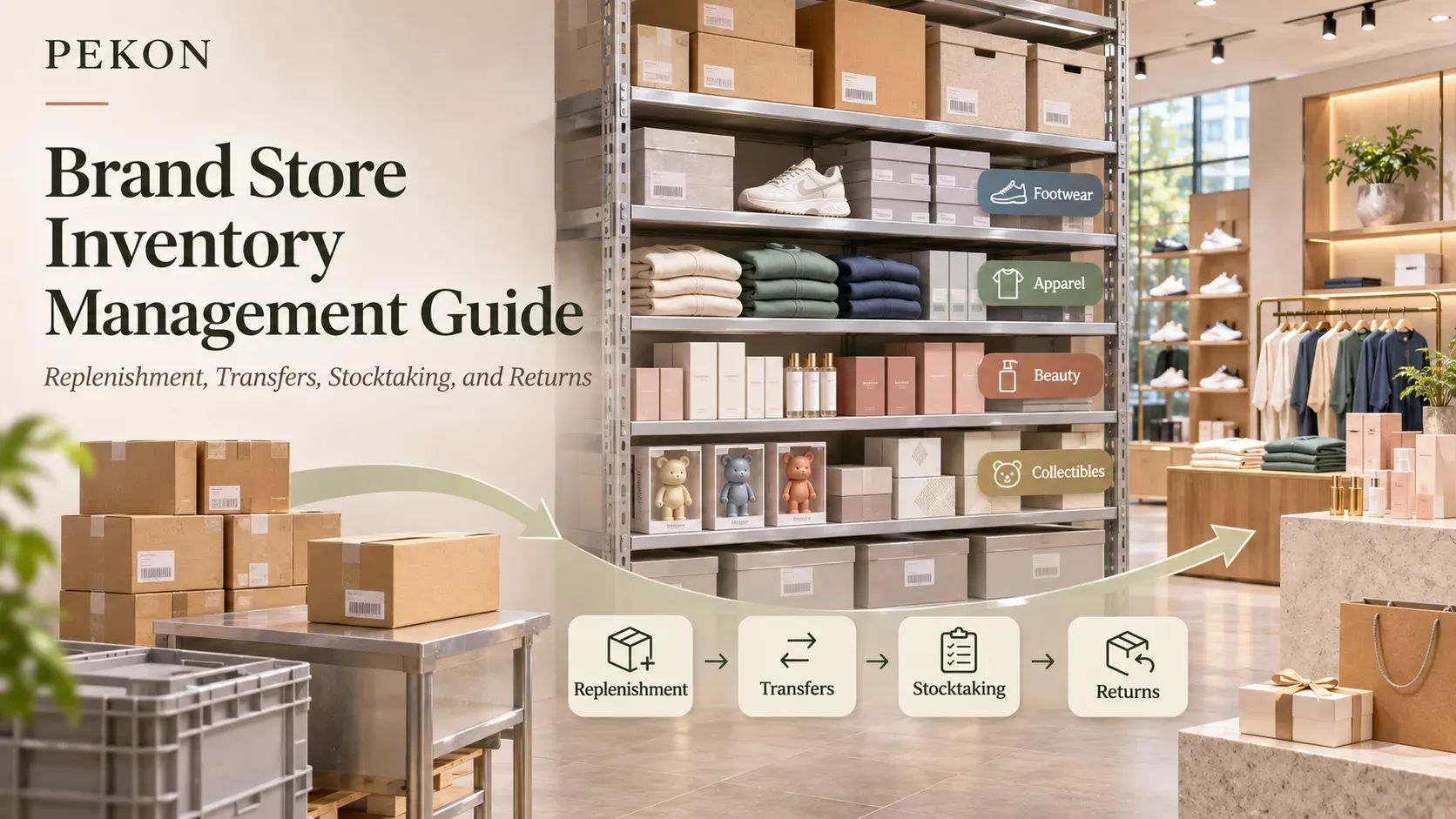
Brand Store Inventory Management Guide: Replenishment, Transfers, Stocktaking, and Returns
- Stocking Strategies and Supply Assurance for Key Products
- Store Replenishment and Distributor Ordering
- Inventory Allocation and Presale Fulfillment
- Store Inventory Operations and Product Tracking
- Inventory Discrepancies and Returned Product Processing
- System Coordination, Selection, and Inventory Migration
- PEKON Inventory Business Support
Store inventory management must support sales while controlling inventory commitment. How much to replenish, where to transfer stock from, which inventory is available for sale, and how returned products should be handled all require coordination between merchandising, stores, warehousing, distribution, and IT teams.
PEKON has organized 33 related articles covering beauty, sports footwear and apparel, trendy toys, 3C electronics, luxury goods, and premium food retail. This guide groups them by operational task and highlights one priority article in each category, helping brands start from a specific issue and then explore the related processes and system capabilities.
- Developing or adjusting replenishment strategies: Start with Store Stocking Strategy and Supply Assurance for Key Products to understand how product classification, store characteristics, supply frequency, and campaign demand affect stocking decisions.
- Handling stockouts and order fulfillment: Read Store Replenishment and Distributor Ordering and Inventory Allocation and Presale Fulfillment to distinguish demand calculation, supply arrangements, and inventory reservation.
- Improving inventory accuracy: Read Store Inventory Operations and Product Tracking and Inventory Discrepancies and Returned Product Processing to understand how physical goods, transactions, and inventory records should correspond.
- Building or replacing a retail system: Read System Coordination, Selection, and Inventory Migration to clarify system responsibilities, business validation, and transition preparation.
Stocking Strategies and Supply Assurance for Key Products
This section focuses on setting and adjusting stocking standards, explaining how product importance, store characteristics, and supply conditions are translated into store assortment and stocking strategies.
- Start here | The same product may require different supply priorities in different stores. Use product ABC and store ABC classifications to determine priority store-product combinations and allocate inventory resources. Products Are Classified by ABC, and Stores Are Too: How Should Replenishment Standards Reflect Operational Differences?
- Similar sales volumes may still require different supply frequencies. Set the demand coverage period according to the actual delivery interval, and distinguish insufficient stocking from delivery delays. Beauty Store Replenishment: How Should Stocking Standards Be Adjusted When Supply Frequencies Differ?
- Daily replenishment is not the only consideration; campaigns and individual store needs also matter. Clarify the scope of daily rules, campaign stocking, and store-specific adjustments to reduce conflicts between rules. Beauty Store Replenishment: How Can Daily Replenishment, Campaign Stocking, and Individual Store Needs Be Balanced?
- Replenishment parameters should be evaluated before they are changed. Use the same business data to compare recommended order quantities and inventory commitment under the old and new parameters. Before Adjusting Beauty Store Replenishment Policies, How Can You Assess Changes in Order Quantities and Inventory Commitment?
- Holiday gifting and routine repurchase require different stocking arrangements. Consider the different sales patterns involved in gift-box stocking, store ordering, and post-holiday surplus handling. Premium Food Retail System Selection: Managing Gifting and Repeat Purchases
Store Replenishment and Distributor Ordering
Store replenishment focuses on store-level product demand and orderable quantities. Distributor ordering also involves brand-level supply approval and fulfillment arrangements. These two types of operations should be reviewed separately.
Store Replenishment: From Demand Calculation to Order Submission
- Start here | Determine how much should be ordered this time. Deduct saleable inventory and in-transit stock that can arrive on time from total demand, then combine the result with supply constraints to calculate the recommended order quantity. Beauty Store Replenishment: From Total Demand to Recommended Order Quantity
- System recommendations need to be combined with store-level judgment. Add campaign requirements and on-site demand to the ordering decision, and record the reason for each adjustment for later review. Beauty Store Replenishment: How Should System Recommendations Work with Store Manager Experience?
- When supply is limited, inventory must be allocated among stores. Use order quotas and demand balancing to distribute supply, and apply the available order quantity during order submission. Beauty Best-Sellers Are in Short Supply: Replenish by Quota and Allocate by Demand
Distributor Ordering: From Supply Approval to Remaining Order Processing
- When can a distributor order move into allocation after submission? Clarify the supply conditions related to funds, inventory, quotas, and gifts, and distinguish order submission from executable allocation. A Distributor Order Has Been Submitted. Why Has Allocation Not Started Yet?
- Remaining products still need to be handled after partial shipment. Organize follow-up actions such as pending shipment, order modification, or cancellation, while keeping the order, warehouse, and account records consistent. How Should Remaining Products Be Handled After a Distributor Order Is Partially Shipped?
Inventory Allocation and Presale Fulfillment
In-stock transfers address supply and demand differences between stores. Presale and reservation management, meanwhile, deal with supply commitments that have already been made. This section focuses on supply allocation, inventory reservation, and subsequent delivery.
- Start here | One store is out of stock while another has excess inventory. Compare warehouse replenishment with cross-store transfers based on color and size demand, while considering both the receiving store’s sales needs and the transferring store’s supply protection. How Should Sports Footwear and Apparel Brands Manage Inventory? From Store Basics and Color-Size Management to Cross-Store Transfers
- Limited releases require coordinated purchase controls and inventory reservation. Distinguish customer purchase quotas from order-level stock locking, and connect cancellation with inventory release to reduce overselling risk. How Can Limited Releases Prevent Overselling? Coordinating Quotas, Stock Locks, Cancellations, and Releases
- Presale orders may be created before products arrive at the warehouse. Connect presale quotas with arrival allocation so that staggered arrivals can fulfill existing orders in an orderly way. Trendy Toy Presale Products Have Not Arrived at the Warehouse: How Should Quota Reservation Connect with Arrival Allocation?
- Products must be delivered to the corresponding customers after arrival. Connect deposits, arrival matching, device serial numbers, final payments, and pickup records to support presale fulfillment. How Can a 3C Retail System Manage Deposit Presales, Arrival Matching, and Product Pickup Fulfillment?
- Reserved products may need to be transferred from another store. Connect the original reservation record with deposits, inventory locks, cross-store transfers, and releases so that service arrangements and inventory status remain consistent. Luxury Store Product Reservations: Deposits, Cross-Store Transfers, and Inventory Release
Store Inventory Operations and Product Tracking
Receiving, stocktaking, and sales create the day-to-day inventory records. Batch numbers, expiration dates, intended use, and individual product identities determine how different types of goods should be managed.
- Start here | The same product may exist in different batches and with different expiration dates. Preserve batch information during receiving, sales, and near-expiry returns to support expiration management and subsequent traceability. How Should Beauty Product Batch Expiration Be Managed? From Store Receiving to Near-Expiry Returns
- Stores may need to remain open while completing stocktaking. Define the stocktaking scope and record product movements during the process to support inventory discrepancy reviews in high-SKU stores. How Can High-SKU Trendy Toy Stores Complete Stocktaking Without Closing?
- Retail products, gifts, and trial products serve different purposes. Organize product records, receiving, and usage according to intended use, and track inventory and consumption separately. How Should Beauty Samples, Gifts, and Trial Products Be Managed?
- Stores may assemble gift sets from existing individual products. Preserve the actual sales components so that flexible combinations correspond to individual-product sales and inventory deductions. On-Site Gift Set Assembly in Trendy Toy Stores: Flexible Bundling Without Losing Inventory Control
- High-value products may need to be tracked at the individual-item level. Use unique product codes and RFID applications to connect location, status, and transaction records, while clarifying the system responsibilities involved in item-level tracking. Item-Level RFID Tracking for Luxury Goods: POS Sales, Returns, and System Boundaries
- Pop-up stores need to open independently and close in an orderly way. Organize temporary store inventory and product movements, then complete the handover of remaining inventory during store closure. How Should a Beauty Pop-Up Store POS System Be Configured? Opening, Inventory, and Store Closure Handover
Inventory Discrepancies and Returned Product Processing
This section covers book-to-physical discrepancies, transaction corrections, customer exchanges and returns, and batch recalls. It clarifies the procedures and records required for different causes.
- Start here | Store and ERP inventory remain inconsistent over time. Trace the source of discrepancies through unit conversion, receiving, sales, and synchronization records to reduce repeated manual adjustments. Store and ERP Inventory Do Not Match Over Time: Should You Check Unit Conversion or the Synchronization Process First?
- The wrong product or specification was entered during a sale. Link the correction to the original transaction and process inventory, payment, and member records together so that adjustments are supported and traceable. Sales Corrections in Chain Stores: Supporting Transactions with Evidence and Keeping Adjustments Traceable
- Department-store counter transactions may need to be entered afterward. Clarify the relationship between the actual transaction date, inventory changes, and daily settlement records to reduce discrepancies caused by delayed entry. A Department-Store Counter Sale Could Not Be Recorded on the Same Day. How Can a Later Entry Avoid Inventory and Settlement Errors?
- A customer changes a color or size, involving two SKUs. Link the original order with the returned and exchanged products, while processing price differences and inventory changes together. How Should Sports Footwear and Apparel Stores Handle Same-Store Exchanges? Product, Color, Size, Price Differences, and Inventory Adjustments
- Returned products may require inspection or further processing. Distinguish saleable inventory from inventory awaiting processing, and record the reason and destination so that saleable quantities accurately reflect products available for sale. Returned Inventory Management for 3C Brands: Clear Saleable Quantities and Defined Processing Destinations
- A specified batch needs to be recalled. Use batch information to organize store delisting, order traceability, customer returns, and verification of final handling results. Cosmetics Recalls: Batch Identification, Store Delisting, Order Traceability, and Result Verification
System Coordination, Selection, and Inventory Migration
Inventory operations span stores and headquarters and often involve multiple systems. This section helps clarify business responsibilities, verify product capabilities, and plan inventory handover when replacing a system.
Clarifying System Responsibilities and Data Sources
- Start here | One order may involve multiple systems. For beauty retail operations, clarify which business records are maintained by ERP, OMS, WMS, CRM, and the store system. How Should Beauty Retail Systems, ERP, OMS, WMS, and CRM Divide Responsibilities? Understanding Data Ownership Through One Order
- Full-box receiving, split-unit sales, and in-store pickup may coexist. For trendy toy operations, clarify system responsibilities for unit conversion, order reservation, and store delivery. How Should Trendy Toy Retail Systems, ERP, WMS, and OMS Divide Responsibilities?
Verifying Product Capabilities and Business Fit
- The brand already has ERP and BI but needs better inventory decisions. Distinguish process execution, business analysis, and recommended order generation, then define the scope of inventory optimization tools. Inventory Management System Selection Guide: How Should You Choose Between ERP Replenishment, BI Dashboards, and an AI Inventory Optimization Engine?
- Product demonstrations should be tested against real industry scenarios. Use scenarios involving batches, samples, and gifts to verify the relationship between receiving, sales, inventory status, and return records. How Should Beauty Brands Test Retail System Vendors? Eight Industry Scenarios That Can Be Tested on the Spot
Completing Inventory Handover During System Migration
- Replacing a system requires reliable opening inventory. Combine physical stocktaking with the old ledger and migrate products, inventory locations, statuses, and supported batch or expiration information. Beauty Brand Retail System Replacement: How Should Product, Inventory, Member, and Transaction Data Be Migrated?
- Full boxes, loose units, and unpacked inventory need consistent handover. Clarify product units and conversion relationships first, then verify opening inventory in the new system. Trendy Toy Retail System Replacement: How Should PDQ, Full-Box, and Single-Unit Inventory Be Migrated?
PEKON Inventory Business Support
PEKON Smart Retail System supports store sales and inventory operations. The B2B Ordering System helps brands organize distributor ordering, while the Inventory Optimization Engine supports demand calculation and recommended order quantities.
These capabilities are implemented according to each brand’s business rules, existing systems, and integration conditions. The specific scope is confirmed based on the product version and project requirements.
For support with store supply assurance, inventory accuracy, order fulfillment, or retail system replacement, contact PEKON to discuss a suitable solution.